Micro Base Station Software Upgrade Settings Page - SU Tab
|
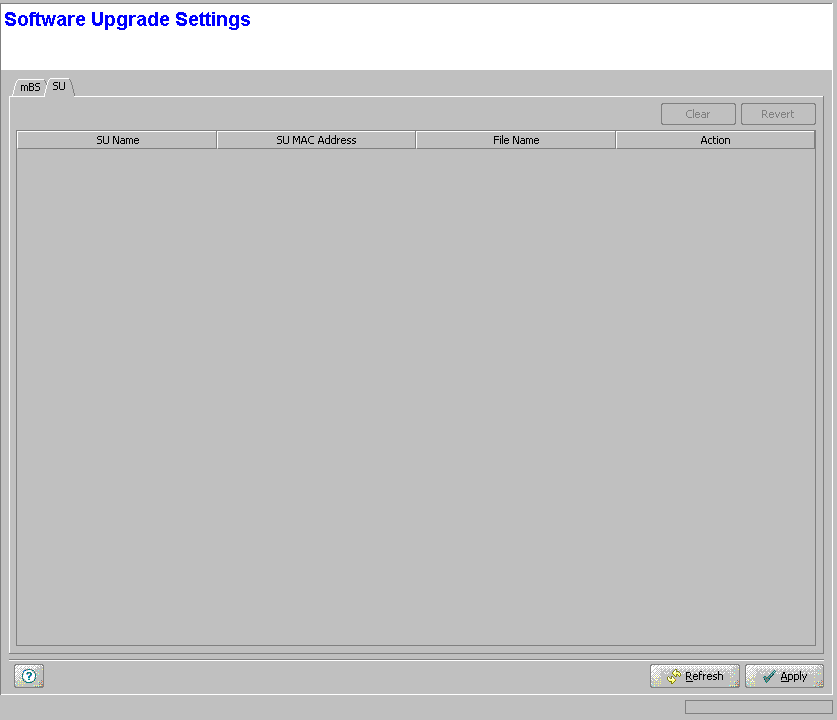
The SU tab of the Software Upgrade page enables defining for each SU the SW File Name and Action to take effect immediately after clicking Apply.
The SU tab includes a table with the following parameters for each SU:
Parameter |
Description |
SU Name |
Read-only. The SU's Name. |
SU MAC Address |
Read-only. The SU's MAC Address. |
File Name |
The Name of the SW File to be used for upgrading all SUs upon network entry. Can be one of the SU SW Files currently stored in the Micro Base Station, or None (null). Click on the File Name entry to open a drop-down menu, enabling selection of one of the SU SW Files available in the Micro Base Station, or None (null). |
Action |
The operation to be performed with the specified SW File for the SU after network entry. Double-click on the Action entry to open a drop-down menu with the available options: None (do not load), Load to Shadow, Run from Shadow or Set as Main. Both File Name and Action must be configured (different than None) to properly define the upgrade process. |
The SU tab also includes the following buttons:
Button |
Description |
Clear |
Select one or more rows and click Clear to clear from the display all the File Names and Actions for the selected rows. Click Apply to configure the new values in the device. |
Revert |
Select one or more rows and click on the Revert button to cancel all changes made in these rows that were not applied yet. |
