Frequency Bands Upload Page
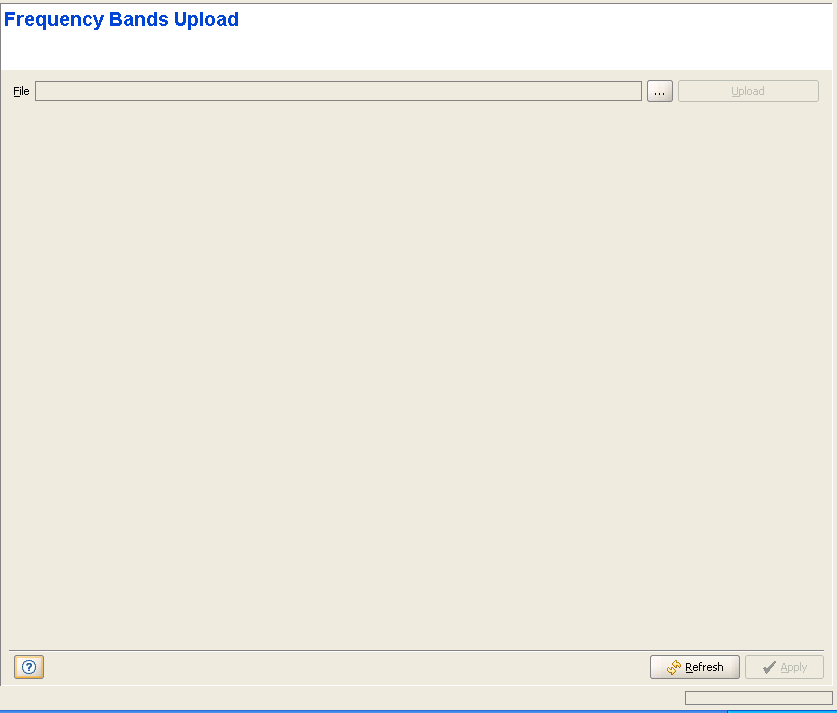
The Frequency Bands Upload page enables loading a new Frequency Bands file to the device.
Theis feature enables loading the required information for new bands that became available after release of the running SW version without the need to load a new SW file.
|

|
To upload a Frequency Bands file to the device: |
1 Click on the browser button to open the Choose window, enabling you to select the required Frequency Bands file that must be available on the PC running the AlvariCRAFT application.
2 After selecting the file, the read-only File text box will display the path to the selected file.
3 Click on the Upload button. The operation's results will be displayed.
