License Upload Page
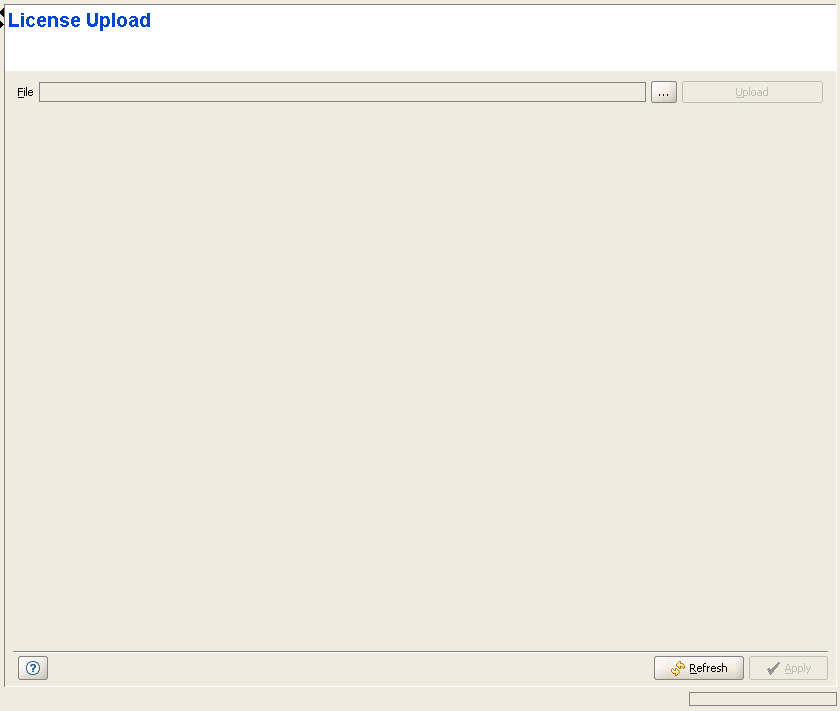
The License Upload page enables loading new license(s) to the device.
See BreezeMAX - Getting and Loading Feature Licenses document for details on getting licenses and generating a license(s) file.
|

|
To upload a License File to the device: |
1 Click on the browser button to open the Choose window, enabling you to select the required License File that must be available on the PC running the AlvariCRAFT application.
2 After selecting the file, the read-only File text box will display the path to the selected file.
3 Click on the Upload button. The operation's results will be displayed.
|
|

