Contents Tab
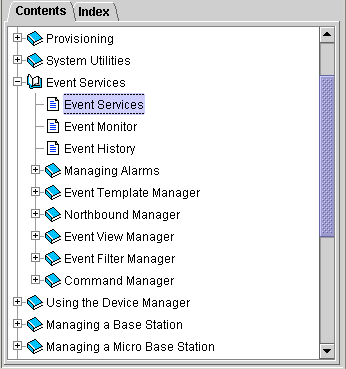
The Contents tab displays all the available topic nodes in tree structure. Click on the + symbol next to a topic node to expand it, or on -, to collapse it. Double-click on the topic to display it in the Help Topic window.
|

|
NOTE |
The Contents Tab displayed above is an examples. The displayed content is not applicable for this version of AlvariCRAFT. |
|
|

