Gateways Page
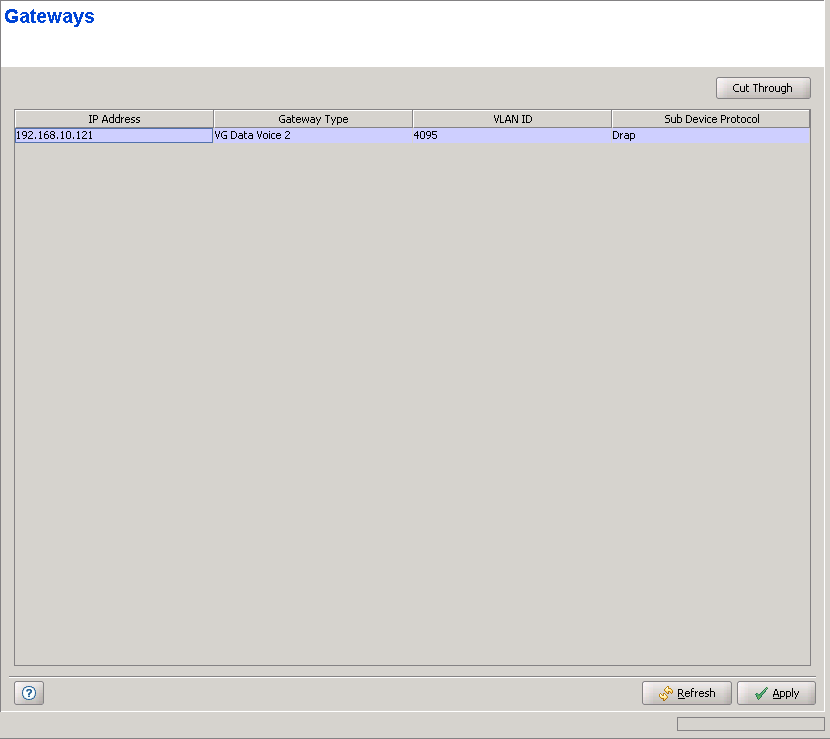
The Gateways page enables viewing details on the Voice/Networking Gateways connected to the SU, and open an http cut-through to a selected Gateway for managing it using the built-in web server. This is applicable only for Alvarion's gateways supporting the DRAP protocol in Ethernet CS Switching Mode, or for SIP gateways using either Managed VoIP service (Micro Base Station in Ethernet CS Switching Mode) or IP Mode Managed VoIP Service (modular Base Station in IP CS Switching Mode).
|
For each Gateway, the following details are provided:
Parameter |
Description |
IP Address |
The IP address of the Gateway. |
Gateway Type |
Not applicable in IP CS Switching Mode. Applicable only for gateways using DRAP. The Gateway Type. |
VLAN ID |
Applicable only for Voice Gateways. The VLAN ID used for management of the Gateway. |
Sub Device Protocol |
DRAP or Dynamic, where Dynamic indicates a SIP device using either Managed VoIP service (Micro Base Station in Ethernet CS Switching Mode) or IP Mode Managed VoIP Service (modular Base Station in IP CS Switching Mode) |

|
To manage a Gateway using its built-in web server: |
Select an entry and click on the Cut Through button to open a web browser cut-through to the device, enabling to manage it using the web server incorporated in the Alvarion's Gateways.
|
|

