Index Tab*
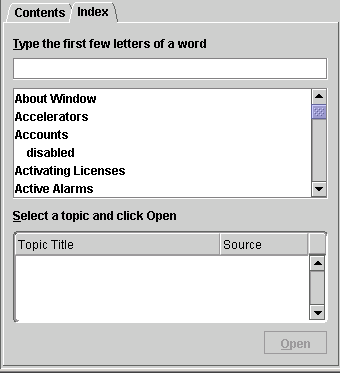
The Index tab enables to search for specific content in all help topics.
|
* The content of the window is not applicable to AlvariCRAFT.

|
To search for information: |
1 In the Index tab, type the keywords or the beginning of the keyword in the designated field. A list of matching topics is displayed.
2 Select the topic that matches your query. The list of available topics is displayed.
3 Select an item from the list and click Open to display the selected topic in the Help Topic window. You can also double-click on the list item to display its content.
|
|

