Registration Parameters Page
|
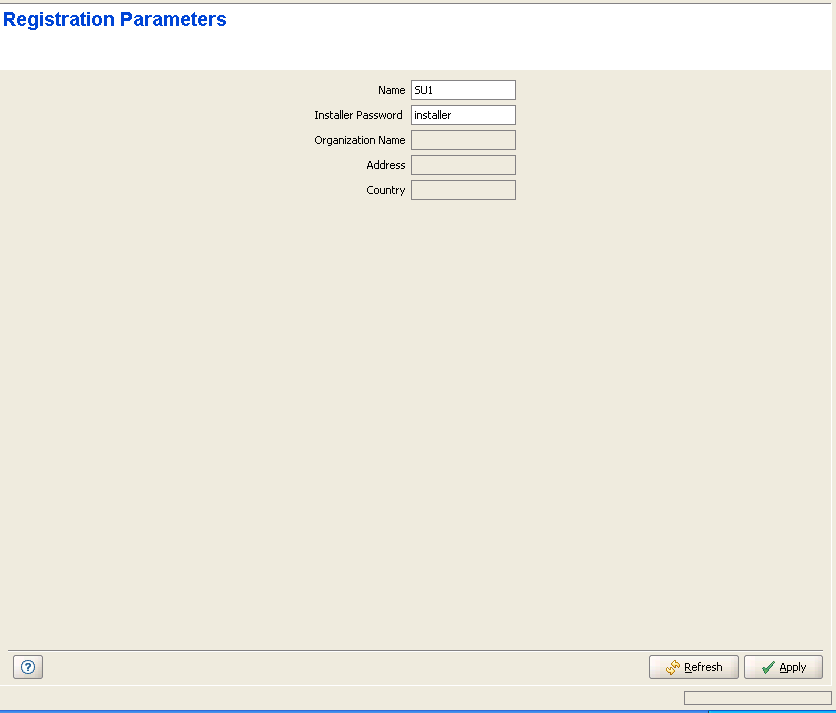
The Registration Parameters page includes the following:
Parameter |
Description |
SU Name |
The SU Name is typically configured locally in the SU (Common Name). The default SU Name given to a new SU during the
definition process is Under normal conditions, the SU Name should be changed only upon identifying an SU with an SU Name that is identical to that of a previously registered SU. In this case, the new SU will be registered (to enable management), but will not receive any services. Its name in the NPU/Micro Base Station database will be changed to SU@<SU's MAC Address>. The system administrator will be informed of the problem through the Service Fault Status parameter in the SU Summary Page and through a trap message (rbSuDuplicateName trap). If the administrator decides that the SU is legitimate and should receive services, a new SU Name must be configured. The SU Name comprises a string of up to 32 printable characters. A change in the SU Name parameter takes effect only after reset. |
Installer Password |
The Installer Password is used for accessing the SU's Monitor (Installer) program locally, using Telnet via the SU's Ethernet port. The Installer Password consists of a string of up to 20 printable characters, case sensitive. |
Organization Name |
A read-only display of the Organization Name as configured locally in the SU. |
Address |
A read-only display of the Address as configured locally in the SU. |
Country |
A read-only display of the Country as configured locally in the SU. |
|
|

